Doublecheck
A pocket notary for photos
Doublecheck is a small iPhone camera app built around one question: if you take a photo right now, how would you prove — to someone else, or to yourself later — that this exact image is the one the camera actually produced, at the moment you produced it? No cloud gallery, no blockchain, just a camera and a short code.
The idea is a ‘Double’. You take a photo as normal, and instead of just saving it, you can stamp it: the app burns a short six-character code into the corner of the image, tucks a copy of that stamped photo into a private album on your phone, and quietly uploads the original, compressed, to the cloud under that same code. From then on, anyone who has the code — printed on a receipt, texted to a friend, taped to a package — can look it up and pull back the reference copy, along with the date it was uploaded and its original dimensions. Not cryptographic proof of anything, but a plain, checkable paper trail: this photo, this code, this moment.
How it works
-
Capture.
A standard full-screen camera: pinch to zoom, tap to focus, flip between front and back cameras, toggle flash.
-
Save, or Make a Double.
After capturing, save the photo untouched to your library — or turn it into a Double.
-
Stamp and upload.
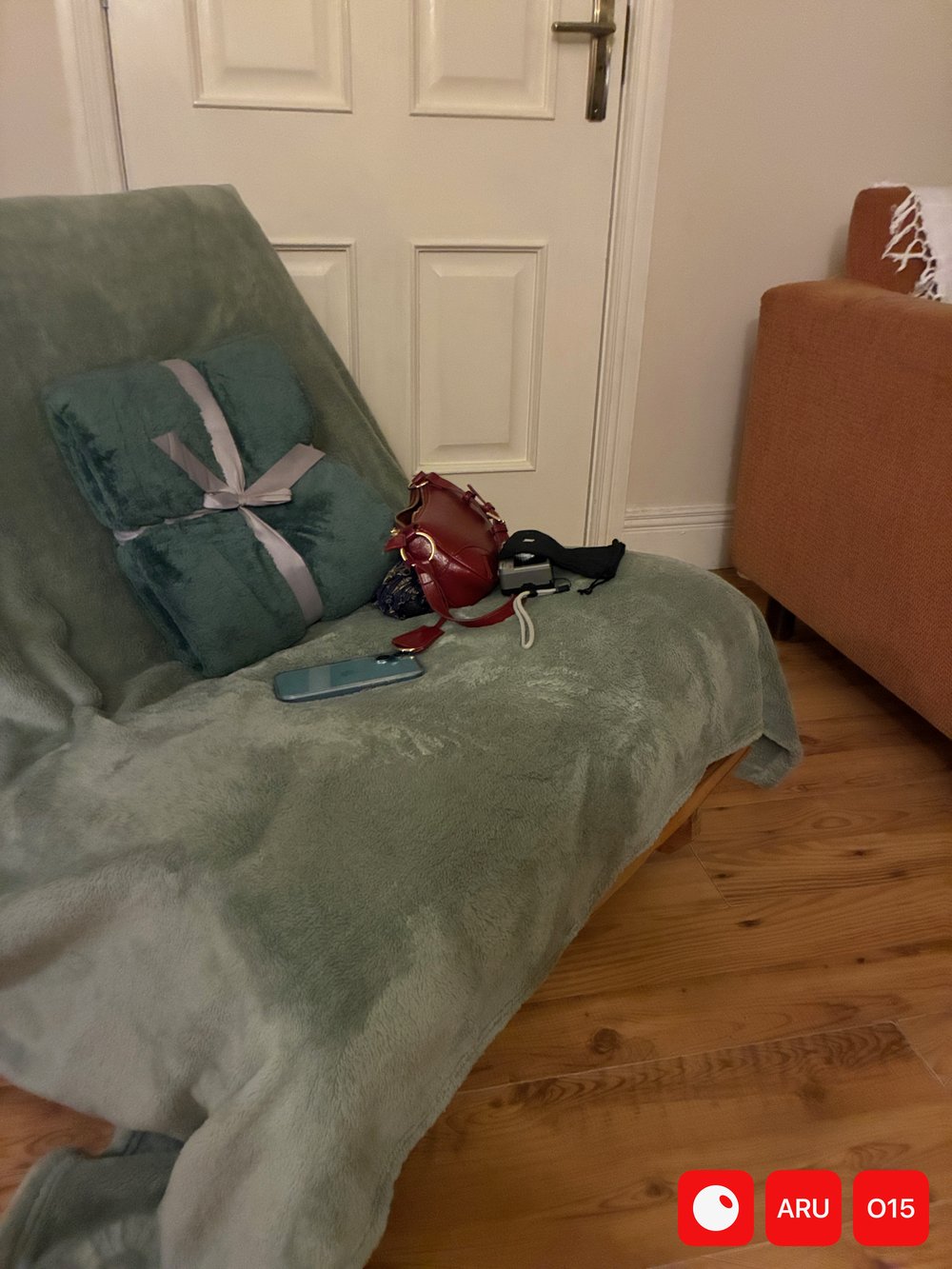
Making a Double generates a random 6-character code, overlays it as three small red squares in the bottom-right corner of the image, saves that stamped copy to a ‘Doubles’ album on-device, and uploads a ~300KB compressed version of the original to Firebase, indexed by the code.
-
Check.
Anyone with the code can enter it in the Check screen to retrieve the stored reference photo plus its upload date and pixel dimensions — confirmation that the code and the photo still match.
Screens
These are rough recreations of the app’s SwiftUI screens, built from the source rather than a live capture, to give a sense of the flow.
Privacy & storage
Photos saved with plain ‘Save’ never leave the device. Doubles are different: the stamped copy stays local in the Doubles album, while a compressed version of the original (aiming for roughly 300KB) is uploaded to Firebase Storage, with its code, timestamp, and dimensions recorded in Firestore. That cloud copy is what ‘Check’ reads back.
Built with
SwiftUI, AVFoundation for the camera session, PhotosKit for the on-device album, and Firebase (Storage + Firestore) for the code lookup.